This article may contain affiliate links. We may earn a small commission at no extra cost to you if you make a purchase through these links.
Kdenlive Review: The Open-Source Premiere Pro Alternative
Tired of Adobe's steep subscription costs? Kdenlive offers professional-grade, multi-track video editing for zero cost without sacrificing power.

Kdenlive offers professional-grade, multi-track video editing for zero cost, proving that open-source software can effectively replace Adobe's steep subscription model for the vast majority of creators. As of Q1 2026, the demand for powerful, privacy-respecting creator tools has never been higher, and Kdenlive (KDE Non-Linear Video Editor) stands out as the premier free alternative to Adobe Premiere Pro.
What Kdenlive Actually Does
Unlike basic free editors that restrict features behind paywalls, Kdenlive provides a comprehensive editing suite out of the box. Powered by the MLT multimedia framework and deep FFmpeg integration, it handles almost any audio or video format—including MKV, MOV, AVI, MP4, WebM, and ProRes—without requiring external conversion tools. Key features include multi-track video and audio editing, advanced keyframing, multi-cam support, and built-in effects for color correction and audio mixing.
Hands-On Experience and Performance
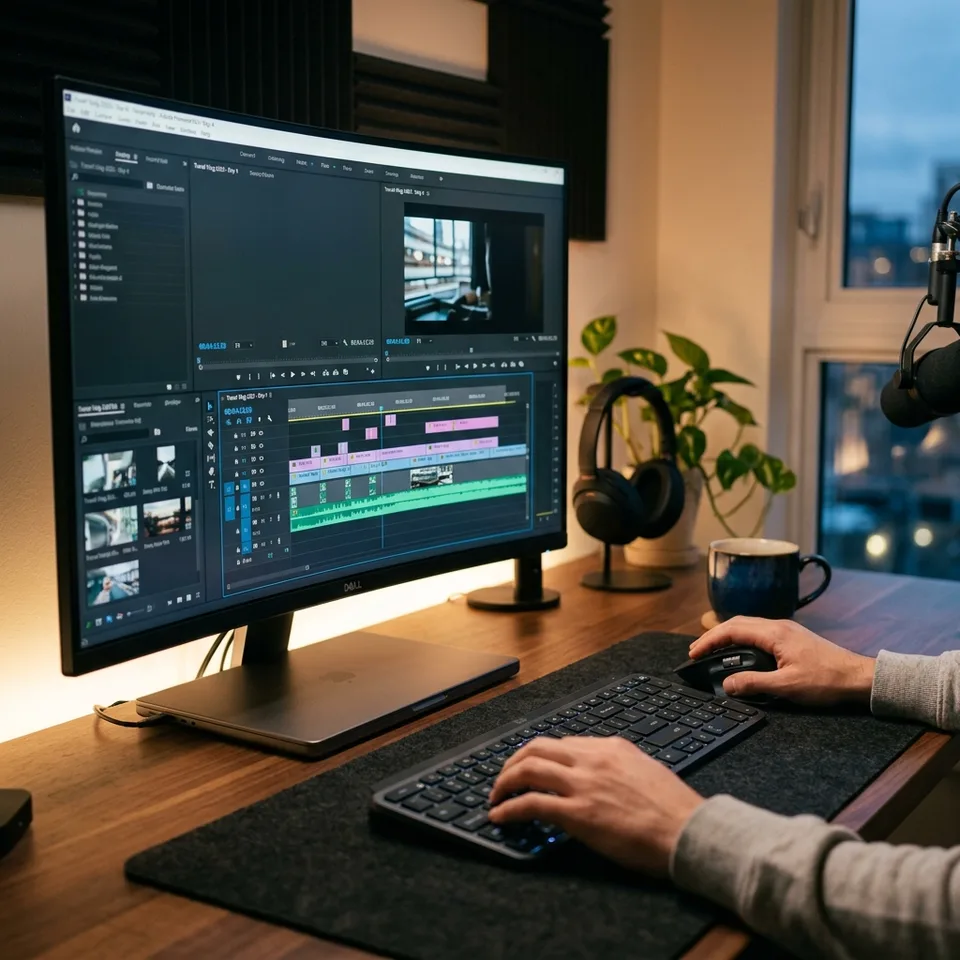
In practical use, Kdenlive's performance is impressive, particularly given its zero-dollar price tag. On mid-range hardware, such as an older Intel Core i5 with 16GB RAM and a GTX 1650Ti, 1080p editing performance actually feels smoother than Premiere Pro. For 4K workflows, Kdenlive's Proxy Editing feature automatically creates low-resolution versions of high-res files, ensuring playback remains fluid even on older machines. Furthermore, Kdenlive features excellent cross-platform support across Windows, macOS, and Linux (where it is widely considered the gold standard).
What Works and What Doesn't
- Pros: Completely free and open-source (no subscriptions or watermarks), excellent format support, reliable proxy editing for performance, and strong privacy guarantees since projects never leave your machine.
- Cons: A slightly steeper learning curve for absolute beginners compared to entry-level tools, and it lacks the deep, specialized hardware-accelerated timeline decoding found in extremely high-end suites like DaVinci Resolve.
How It Compares to Premiere Pro
| Feature | Kdenlive | Adobe Premiere Pro |
|---|---|---|
| Cost | Free (Open Source) | $22.99+ / month subscription |
| Platform Support | Windows, macOS, Linux, BSD | Windows, macOS only |
| Format Compatibility | Excellent (FFmpeg integrated) | Very Good |
| Advanced VFX Integration | Basic built-in tools | Industry-leading (After Effects) |
| Privacy | Total local control | Cloud telemetry and sync |
Who Should Use This (and Who Shouldn't)
If you are a YouTube creator, an indie filmmaker, or an educator looking for professional tools without a monthly subscription, Kdenlive is an exceptional choice. It is also the undeniable top pick for Linux users. However, if your workflow is deeply entrenched in Adobe's ecosystem—relying heavily on seamless integration with After Effects and Photoshop for high-end cinematic VFX—you will likely need to stick with Premiere Pro.

The Verdict
Kdenlive proves that you don't need to pay a monthly fee to access a pro-grade video editor. While it won't replace Premiere Pro for Hollywood-level VFX integration, it goes toe-to-toe with Adobe for almost every real-world use case, from YouTube content to podcasts and indie films, offering a liberating, cross-platform editing experience.
FAQ
Is Kdenlive completely free?
Yes, Kdenlive is a free and open-source video editor. There are no subscription fees, one-time costs, or watermarks applied to your exported videos.
Can I run Kdenlive on a lower-end PC?
Yes, Kdenlive is highly optimized and includes a Proxy Editing feature that generates low-resolution clips for smooth editing on older hardware, rendering the final output in full resolution.
Does Kdenlive support 4K editing?
Absolutely. With adequate hardware or by utilizing its built-in proxy workflow, Kdenlive handles 4K footage efficiently across multiple tracks.
For more on open-source strategies, check out our guide to Open Source AI Tools and optimizing your Free Video Editing Workflow.
Enjoying this article?
Get more strategic intelligence delivered to your inbox weekly.
Enjoyed this article?
VentureBeast.Tech is independent and reader-supported. If this saved you time, you can buy us a coffee — it keeps the research deep and the site ad-light.
Support us on Ko-fi


Comments (0)
No comments yet. Be the first to share your thoughts!