This article may contain affiliate links. We may earn a small commission at no extra cost to you if you make a purchase through these links.
5 Advanced NotebookLM Workflows Every Data Scientist Needs in 2026
NotebookLM has evolved from a simple chat interface to a complex knowledge synthesis engine. Here are 5 expert workflows to master.
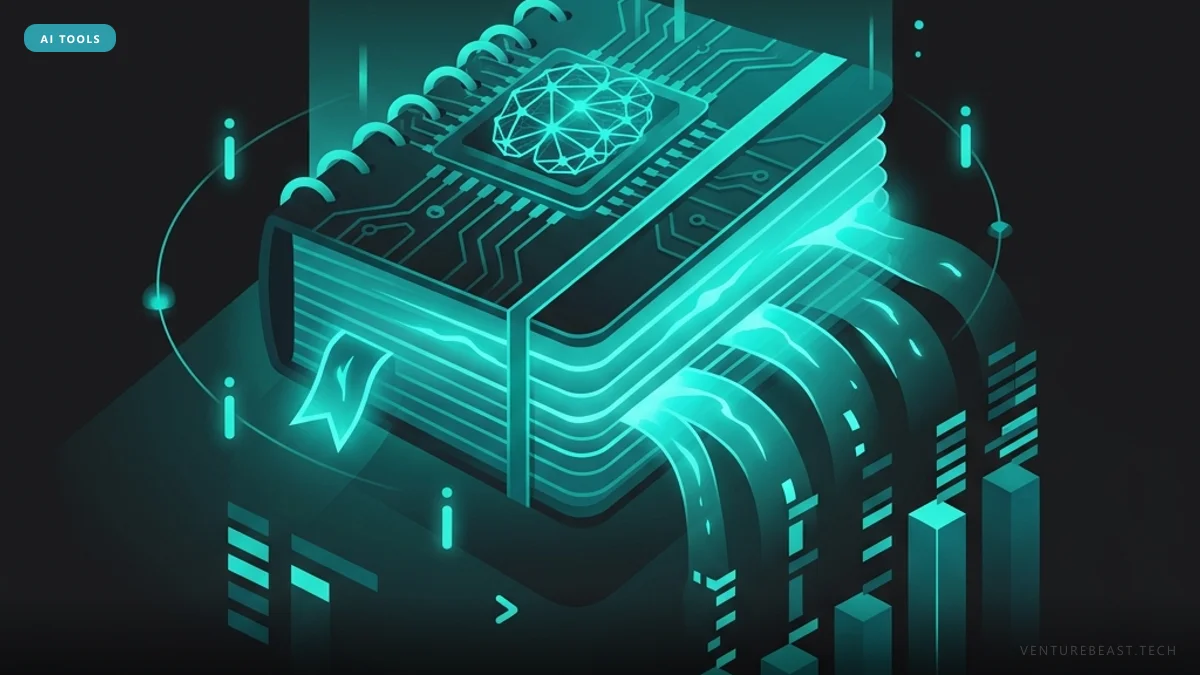
Google's NotebookLM is a source-grounded research assistant that utilizes large language models to analyze, synthesize, and query custom document collections without hallucinating beyond the provided text. As of early 2026, Deep Research integration and Gemini syncing have transformed it from a simple document chat interface into a complex knowledge synthesis engine.
For data scientists handling vast literature reviews, methodology documentation, and disparate research facts, the ability to centralize and accurately structure unstructured data is critical. While basic prompting is useful, using sophisticated workflows can reduce literature review times significantly. Here are five expert workflows for maximizing NotebookLM's utility.
The Current State of NotebookLM in 2026
NotebookLM’s unique strength relies on its "source-grounding"—it treats the user's uploaded documents as absolute ground truth. In 2026, the tool expanded its capabilities to accept Google Classroom courses, cloud drive documents, YouTube transcripts, and raw text in bulk.

The integration of Deep Research capabilities now enables NotebookLM to synthesize not just local files but a massive collection of targeted web exploration results, drastically lowering the barrier to deep analytical workflows.
1. Thematic Clustering for Literature Reviews
As a data scientist, staying current with academic papers, API documentation, and technical blog posts is extremely time-consuming. Instead of uploading and chatting with one paper at a time, upload 20-30 related sources into a single notebook.
Use the clustering prompt workflow: explicitly instruct the system to "Cluster these sources into overarching themes regarding methodology, limitations, and future work." NotebookLM analyzes the corpus to identify common concepts and contradictions across multiple authors, creating an immediate structural landscape of the topic.
2. The "Chain-of-Tools" Peer Review Workflow
While NotebookLM is strictly source-grounded, it doesn't verify the truth of those sources—only what the text claims. Combine it with external specialized AI platforms to fortify your analysis.
For example, you can extract a novel structural finding from your project documents using NotebookLM and then use other AI tools or a deep research search engine (like Perplexity or specific AI agent skills) to aggressively fact-check the finding. This ensures your internal reports are both grounded in your private data and cross-verified against the broader academic consensus.
3. Dynamic Documentation Syncing via Google Docs
Project documentation such as data dictionaries, feature engineering notes, and experiment parameters are living documents. In complex environments, uploading static PDFs means your model is out of date by the next day.
Maintain your technical documentation in Google Docs and connect them directly as sources in NotebookLM. The "Sync with Google Drive" feature ensures that when you query your notebook, the model references the current, up-to-the-minute state of your technical material. In agile workflows, this makes NotebookLM act as a continuously updated "Second Brain" for the team.
4. The Deep Research Feedback Loop
When starting a completely new project, the initial hurdle is often lack of data. Instead of slowly building your source list, trigger a Deep Research task using tools like Gemini or an integrated search agent to generate a massive, source-backed report on the topic.
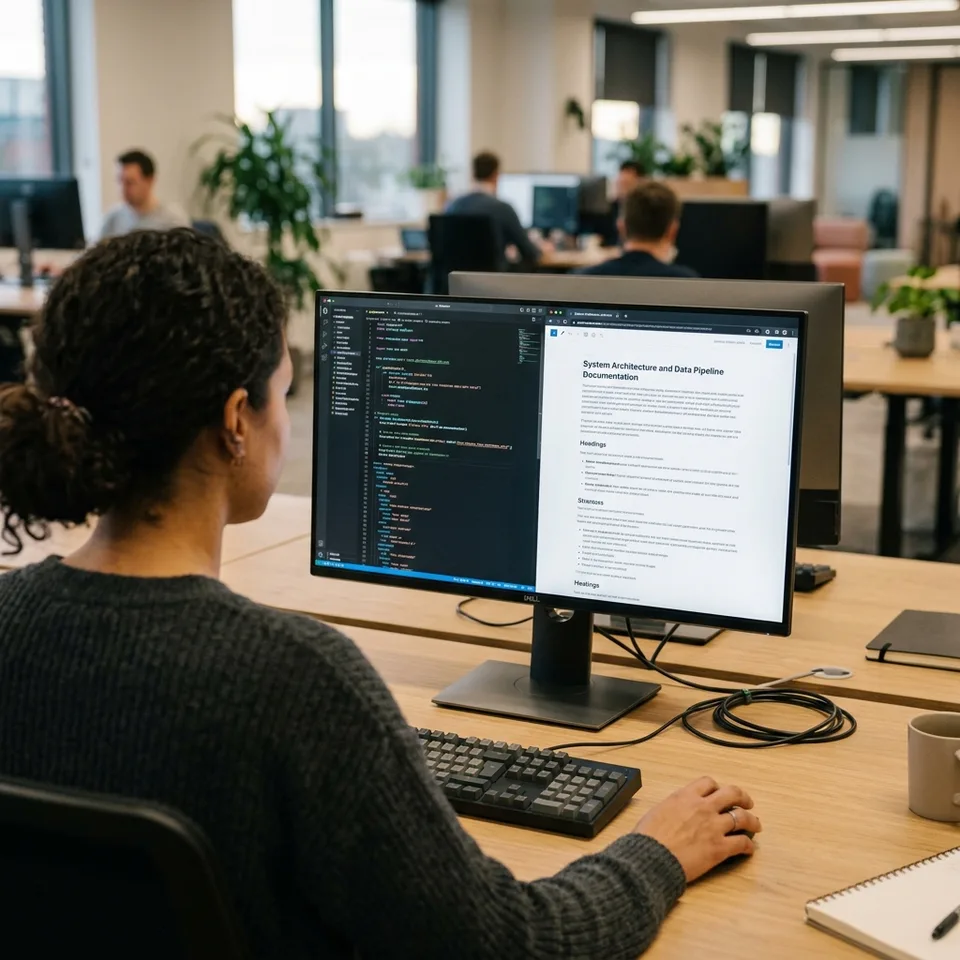
Take this comprehensive artifact and import it directly into your NotebookLM workspace. Now, when you run subsequent queries, the tool uses the deep research report as its local structural foundation, keeping responses highly targeted and mathematically contextualized for your next phase of work.
5. Condensing Reports into Focused Sources
Large project notebooks with 50+ source files (including raw logs, Slack conversations, and meeting transcripts) can result in noisy AI responses. To sharpen response quality, execute an aggressive condensation process.
First, use the Studio panel to generate a "Briefing Doc" or "Study Guide" consolidating the insights from the raw bulk. Then, convert this generated report directly into a new source. By pointing later queries specifically at this condensed source rather than the chaotic raw inputs, NotebookLM produces substantially cleaner, more nuanced answers to complex programming or data inquiries.
The Bottom Line
Google NotebookLM has matured into an essential workflow orchestrator for data professionals. By treating it as a dynamic engine rather than a static chat window—leveraging thematic clustering, drive syncing, and source condensation—data scientists can turn chaotic research into structured, actionable intelligence.
Looking forward to late 2026, as context windows expand and native autonomous tools plug directly into NotebookLM, mastering these foundational workflows now will ensure your team remains capable of managing compounding informational complexity.
Enjoying this article?
Get more strategic intelligence delivered to your inbox weekly.
Enjoyed this article?
VentureBeast.Tech is independent and reader-supported. If this saved you time, you can buy us a coffee — it keeps the research deep and the site ad-light.
Support us on Ko-fi


Comments (0)
No comments yet. Be the first to share your thoughts!